Download Free XYplorer 28.30.2600 for Windows. If the built-in File Explorer feels too basic for you, this program gives you a lot more control over how you browse, sort, and manage your files. It runs as a portable app too, so you can carry it on a USB drive and use it on any PC without installing anything.
Overview of XYplorer
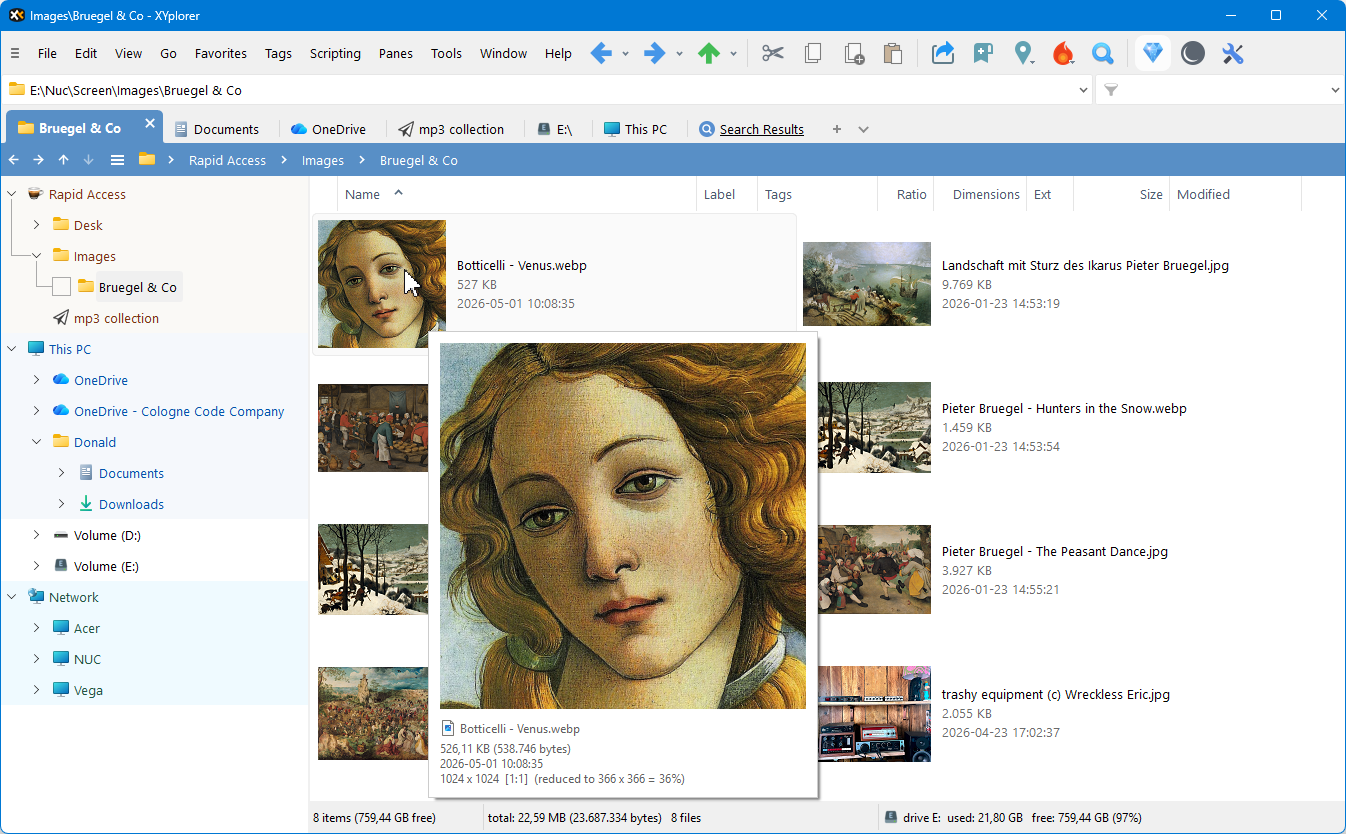
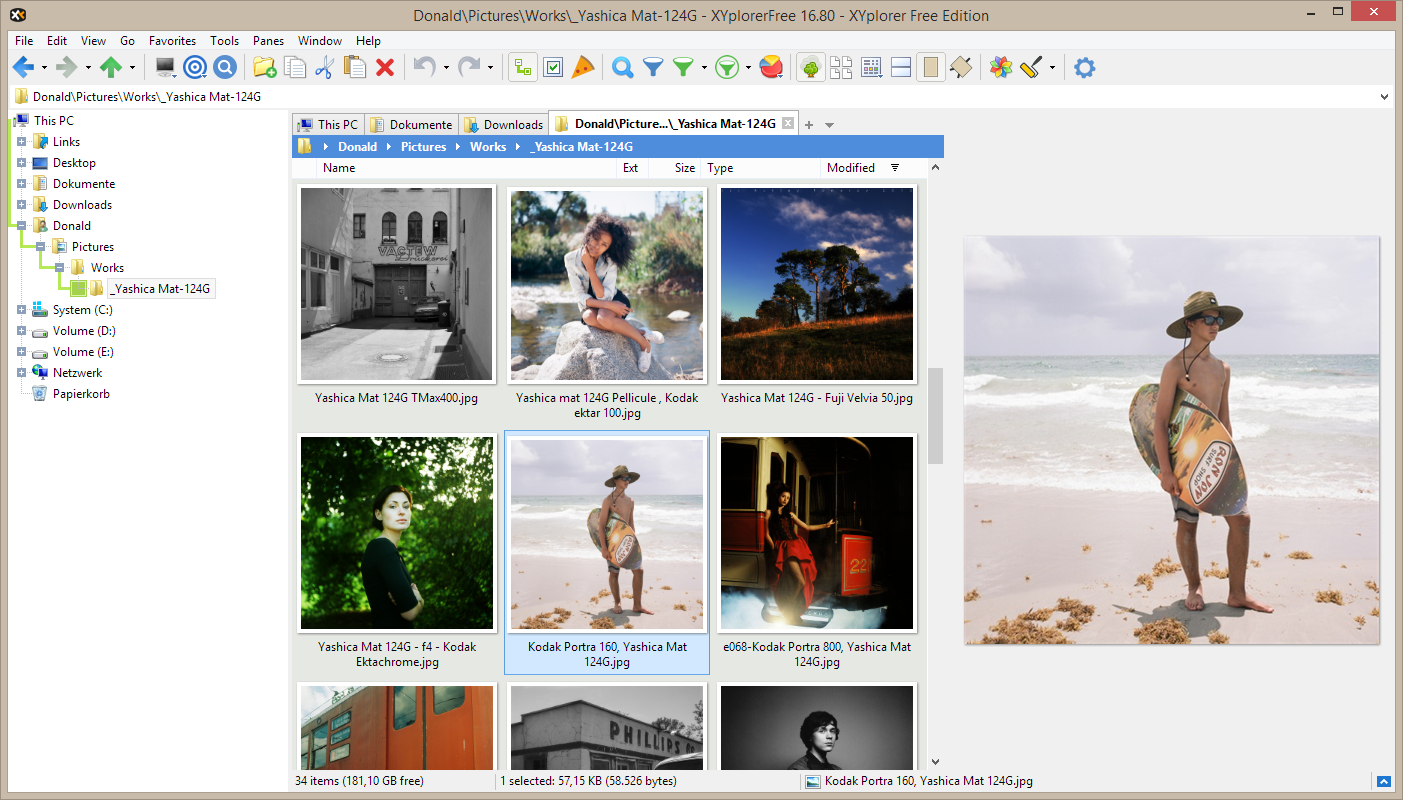
XYplorer replaces your everyday file browsing with a tabbed, dual-pane layout, so you can have several folders open at once and move files between them with ease. It also comes with a strong search tool that supports both plain keywords and more advanced rules, so finding an old file buried deep in your folders becomes much quicker.
Beyond browsing, XYplorer helps you keep your files organized in ways File Explorer just can’t. You can tag files, add notes to them, and preview a wide range of file types without opening a separate program. It also includes a batch rename tool that shows you a live preview before anything actually changes, so you never rename hundreds of files by mistake.
For anyone comfortable with a bit of automation, XYplorer also supports its own scripting language, letting you build custom tools and shortcuts around your own workflow. The latest 28.30 update adds a proper Share button too, so you can send files straight to apps like Mail or social tools using the same Share dialog Windows itself uses.
Features
- Browse files using tabs and a dual-pane layout
- Search files with keywords, Boolean logic, or regex
- Tag files and add notes for better organization
- Preview many file types without opening another app
- Batch rename files with a live preview before applying
- Undo and redo multiple file operations
- Automate tasks using built-in scripting
- Share files directly through the Windows Share dialog
- Switch between light and dark interface themes
- Runs as a portable app, no installation required
- Works without changing your system or registry
- Customize toolbars and shortcuts to match your workflow