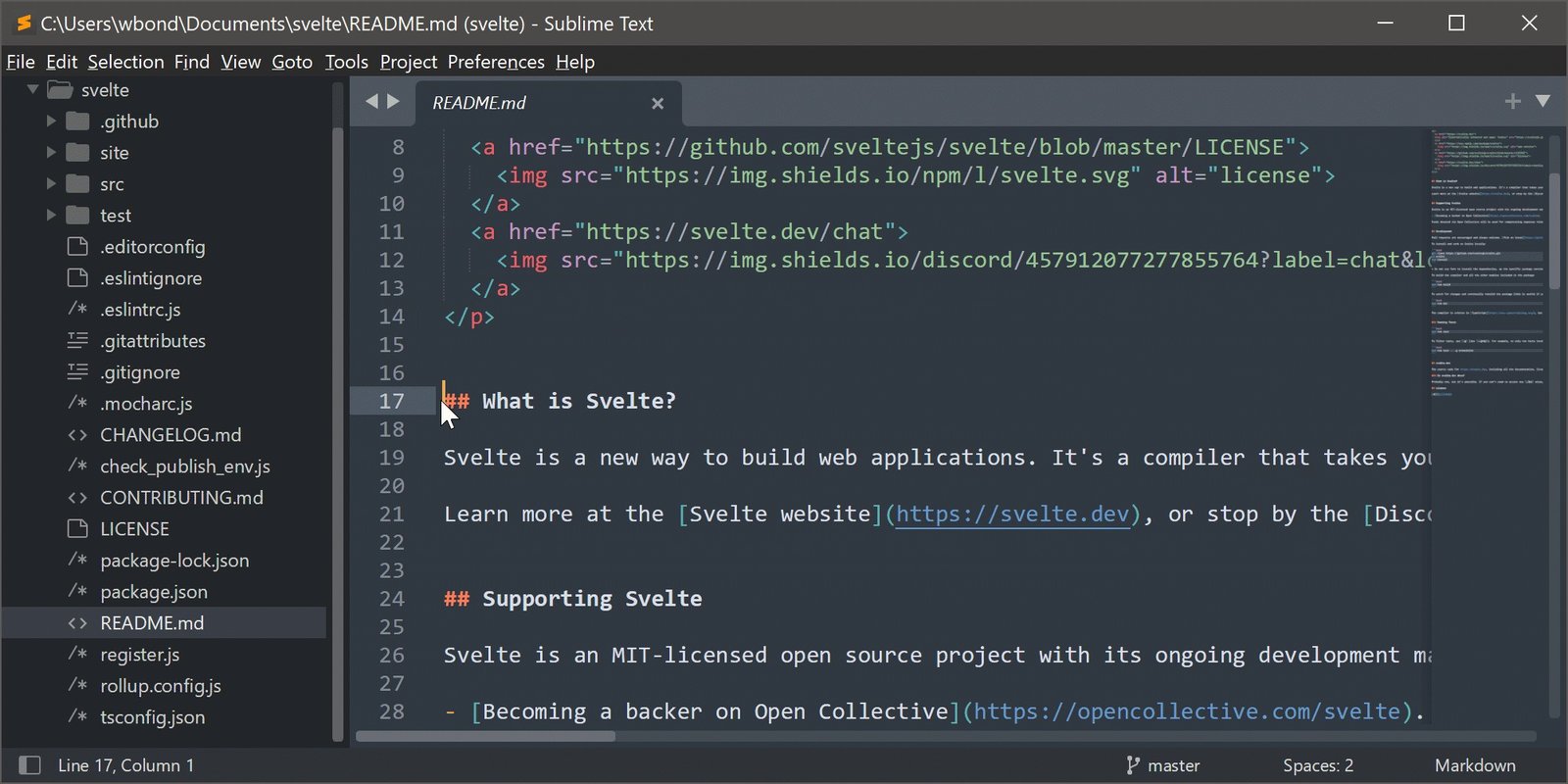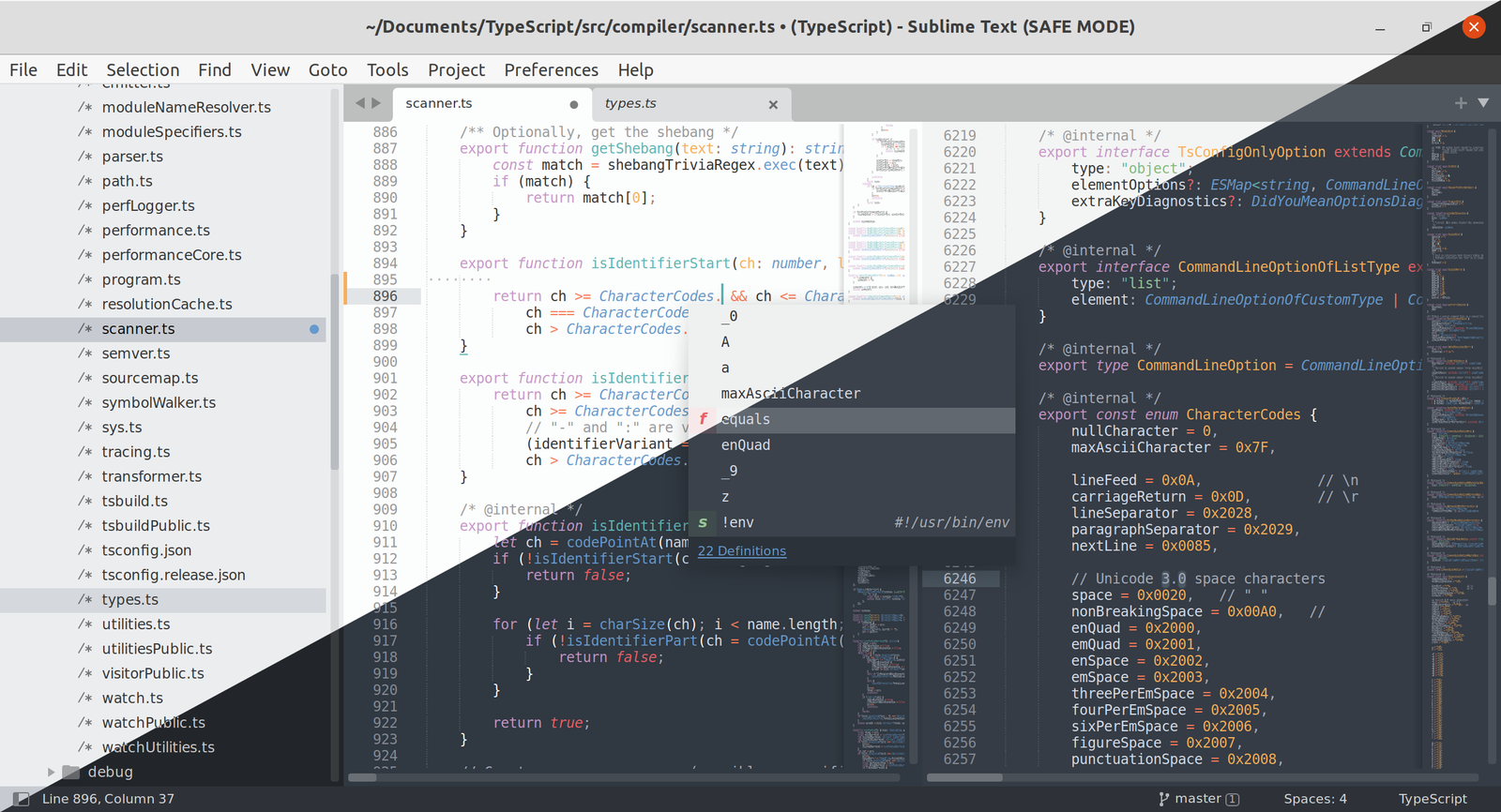
Free Download, Sublime Text 4 Build 4215 (x64) full version standalone offline installer for Windows, is a Windows app to help you write and edit code, markup, and prose in one sophisticated text editor. It renders its interface with GPU acceleration, keeping scrolling and typing smooth even at high resolutions.
Overview of Sublime Text 4
Sublime Text can open and edit files in nearly any programming language, with built-in support for HTML, PHP, SQL, XML, and modern tools like TypeScript, JSX, and TSX. It features a Goto Anything function that can jump to any file, symbol, or line with just a few keystrokes.
This helpful program supports multi-cursor editing. It allows you to make several changes across a file at the same time instead of repeating the same edit. Furthermore, it allows you to split your workspace for wide-screen monitors if you need to view multiple files side by side. Has a Command Palette built in. You can easily search for less-common commands within the program and run them without hunting through menus with just one click.
While coding, you can also record and save macros to repeat common edits automatically. Just open the Python-based plugin API, and the program will let you extend the editor with your own tools for you.
Features
- Edits code, markup, and prose in one editor
- Renders the interface with GPU acceleration up to 8K
- Jumps to files and symbols with Goto Anything
- Edits multiple locations at once with multi-cursor support
- Splits the workspace for side-by-side editing
- Suggests context-aware completions across your project
- Supports TypeScript, JSX, and TSX out of the box
- Records and saves macros for repeated edits
- Extends functionality through a Python plugin API
- Customizes key bindings, snippets, and menus
- Highlights syntax and checks spelling as you type
- Switches between light and dark themes automatically
- Supports native Apple Silicon and ARM64 builds
- Runs with minimal CPU and RAM usage