Free Download, K-Lite Codec Pack20.1.0 Mega-Full-Standard full version standalone offline installer for Windows, is a Windows app to help you play almost any audio and video format on your PC. It gives your media player the codecs and filters it needs, so your files open and play without errors.
Overview of K-Lite Codec Pack
K-Lite Codec Pack can add support for a wide range of video and audio formats to Windows, so your files play smoothly in almost any player. It features Media Player Classic Home Cinema and LAV Filters that can handle common formats, subtitles, and hardware-accelerated decoding.
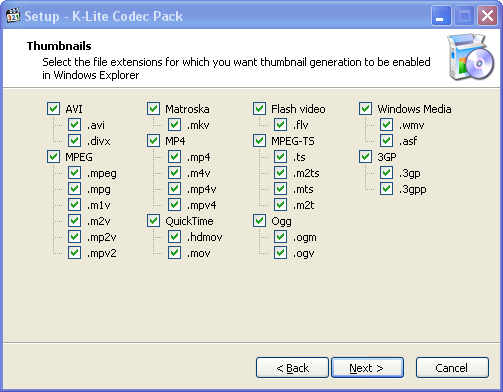
This helpful program supports HDR playback and audio bitstreaming. It allows you to send sound to your home theater system and watch high-dynamic-range video the way it was meant to look. Furthermore, it allows you to use the madVR video renderer and 3D video decoding if you need higher-quality scaling and picture. Has video thumbnails built in. You can easily preview your video files within Windows Explorer and pick the one you want with just one click.
While editing or converting videos, you can also use extra codecs such as x264VFW and Lagarith, which video editing programs can use. Just run the installer, and the program will set up the right codecs and filters for you.
Features
- Plays almost any audio and video format
- Includes Media Player Classic Home Cinema
- Adds LAV Filters for fast, reliable decoding
- Supports HDR video playback
- Shows subtitles during playback
- Uses hardware-accelerated decoding
- Sends audio to home theater systems with bitstreaming
- Shows video thumbnails in Windows Explorer
- Includes madVR for high-quality upscaling
- Decodes 3D H.264 MVC video
- Adds x264VFW and Lagarith codecs for video editing
- Includes GraphStudioNext for checking filters
- Adds Bass Audio Source and MPC Image Source filters
- Includes both 32-bit and 64-bit codecs